1793097533150
You can now import from Google forms
by the Wayground Team
A 20-question review you built in Google Forms requires typing all 20 again. Import it from the upload tab, and you get an assessment with the same questions in it.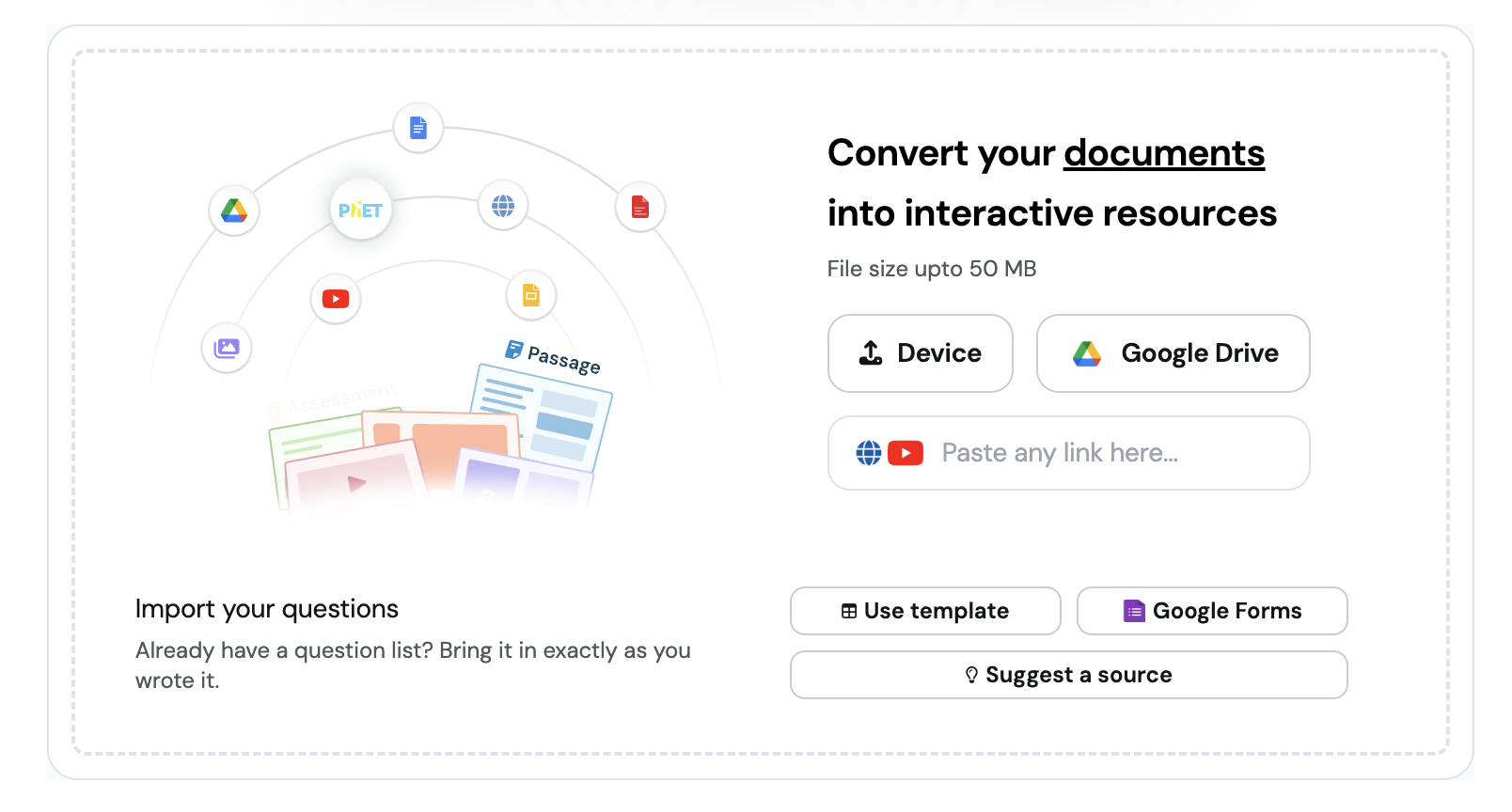
1792765463020
Get insights from your reports easily
by the Wayground Team
Ask AI on your reports has a redesigned chat. Type @ to ask about one student, or pull up to three reports into a chat to compare two classes or both attempts at the same quiz.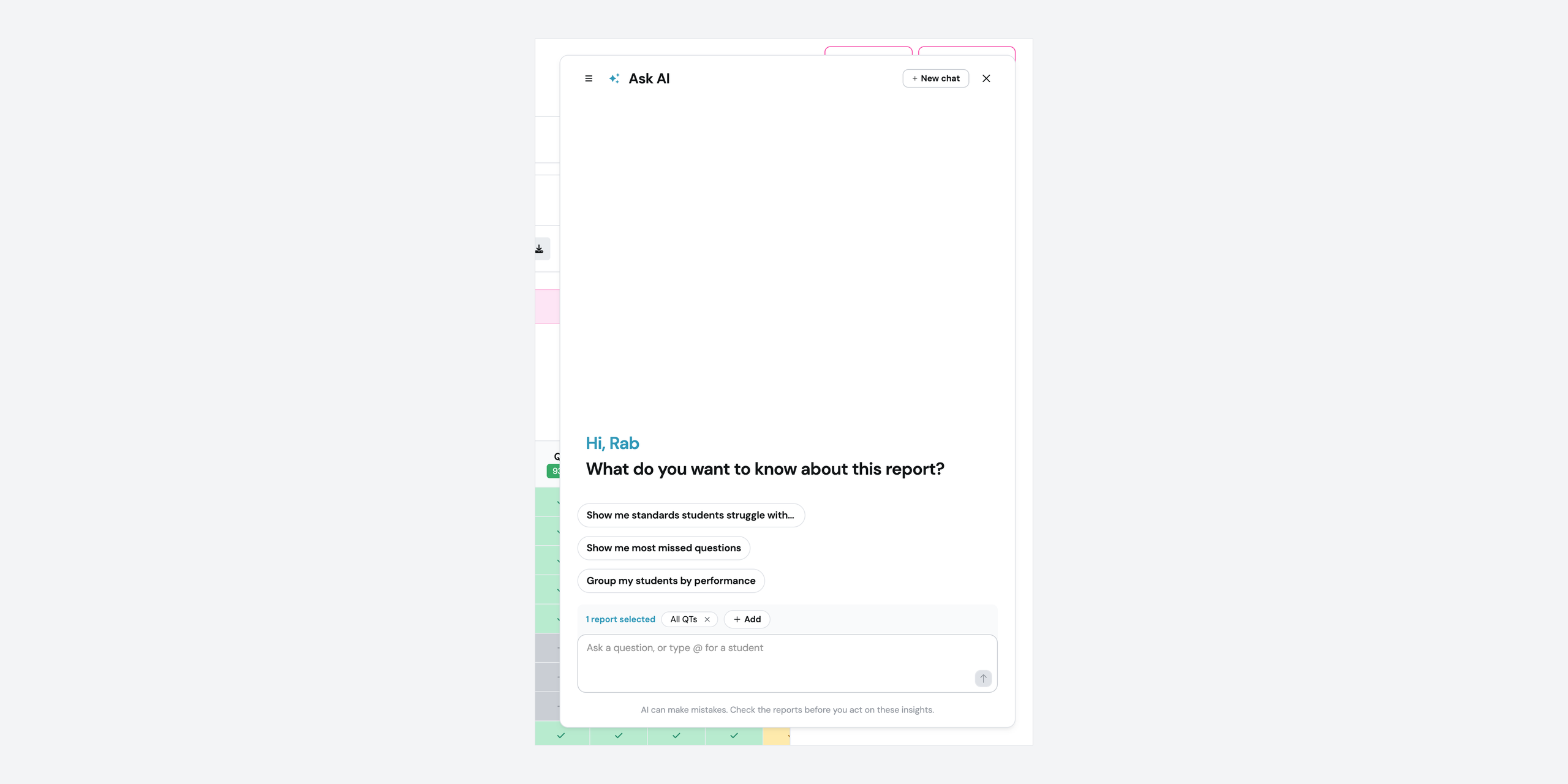
1792762297169
Your students can add shapes, arrows, and typed labels to a Draw answer
by the Wayground Team
Draw questions now have three more tools: shapes, text, and select. Your students drag out a rectangle, circle, triangle, line, or arrow, type labels anywhere on the canvas, and resize or recolor what they add.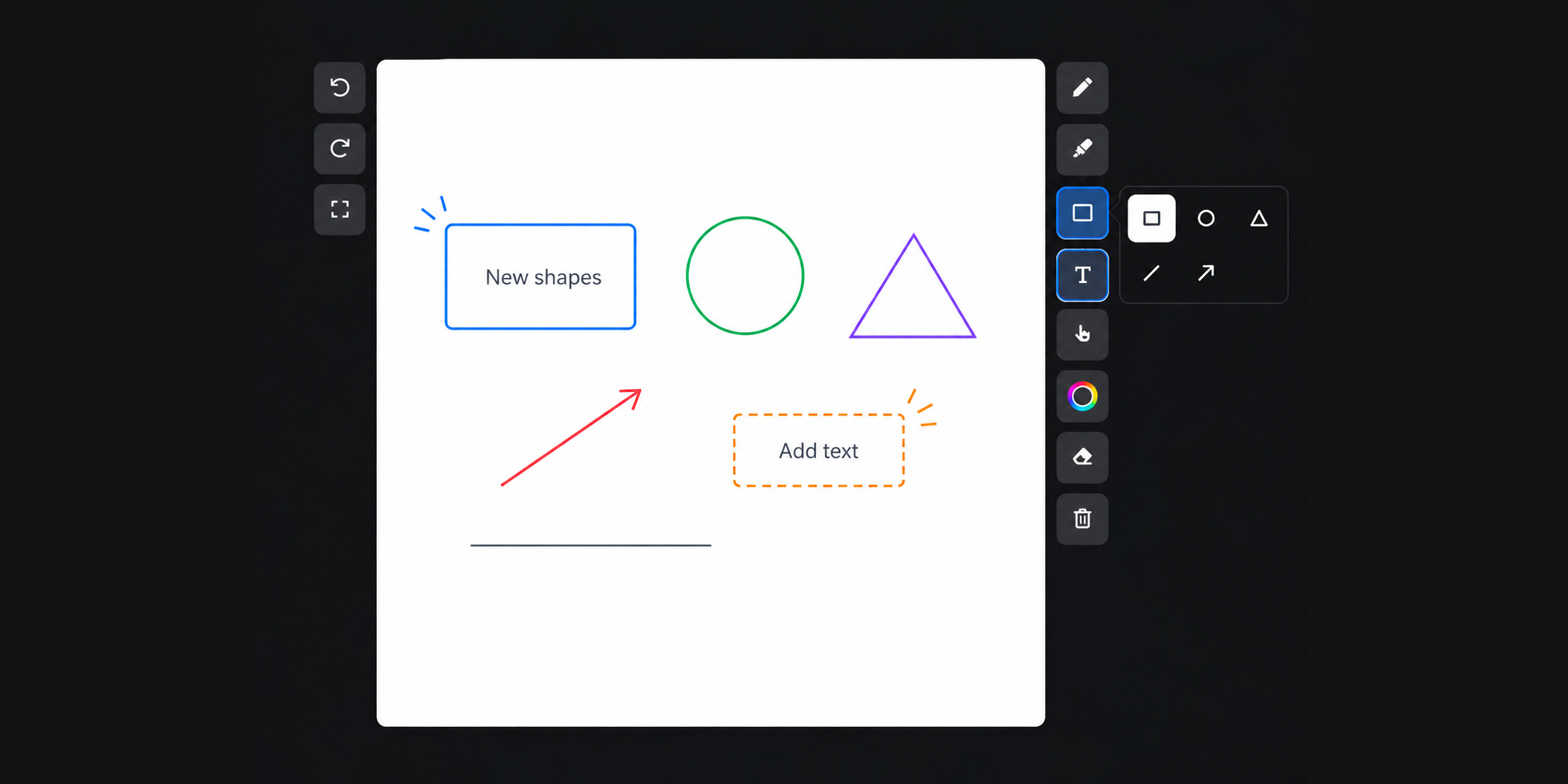
1792407713590
Build an assessment with AI in the Wayground Official Library
by the Wayground Team
A 10-question set on a single standard requires opening the library and picking each question yourself. Build with AI assembles the assessment from the standards, question count, DOK, and Bloom’s levels you set.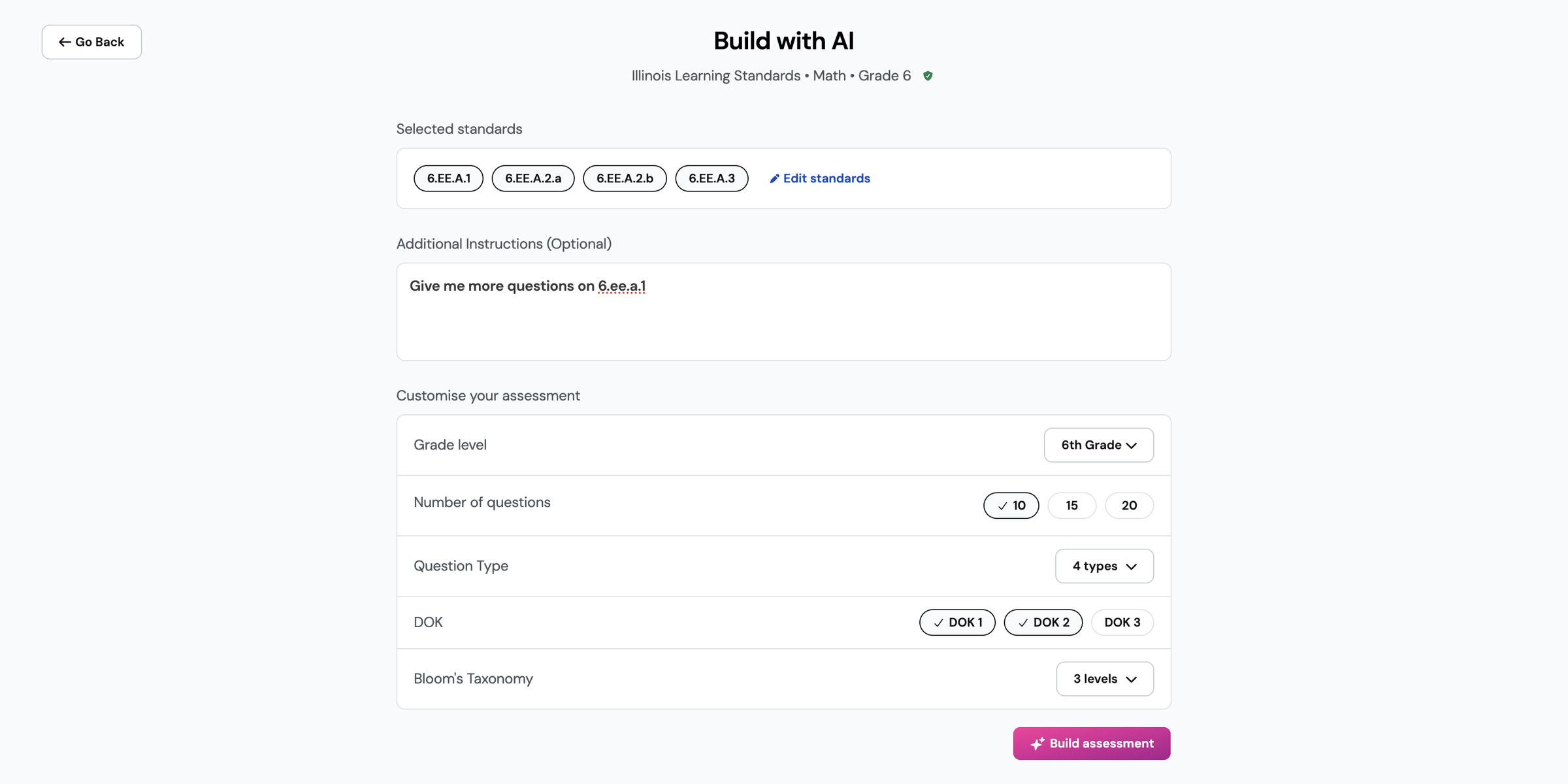
1791554751816
Your class roster now updates automatically from Google Classroom
by the Wayground Team
Classes you import from Google Classroom keep their rosters in sync automatically. 1791465148761
Ask every step of a problem in a single Multi-part question
by the Wayground Team
A three-step word problem requires three separate questions, each repeating the same setup. Multi-part is a new question type that holds every step under one base question, with each part using its own question type.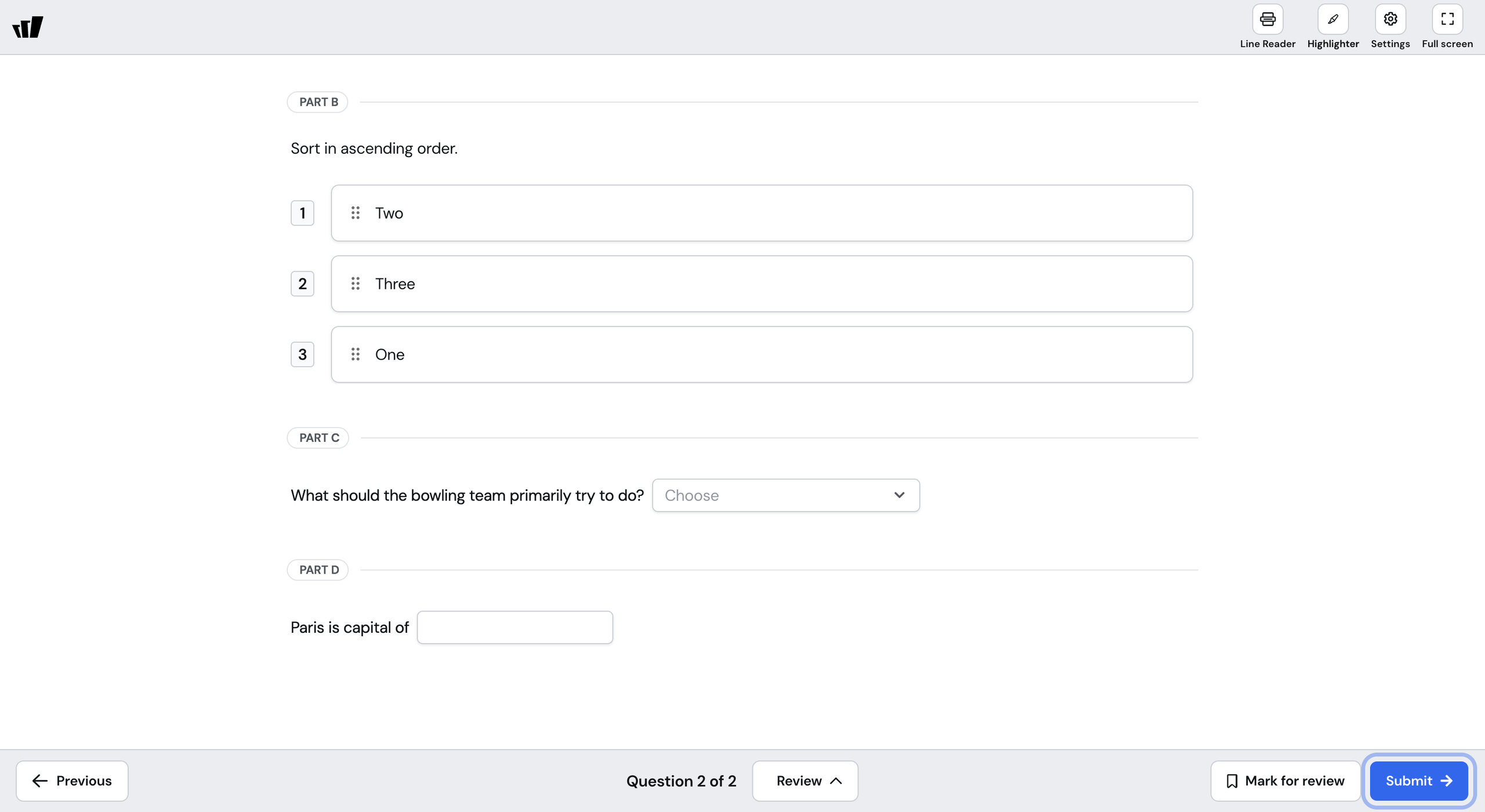
1791463021765
Share a custom report with one person or an entire team
by the Wayground Team
You can now share a custom report by email or with an entire team, and choose who can edit it.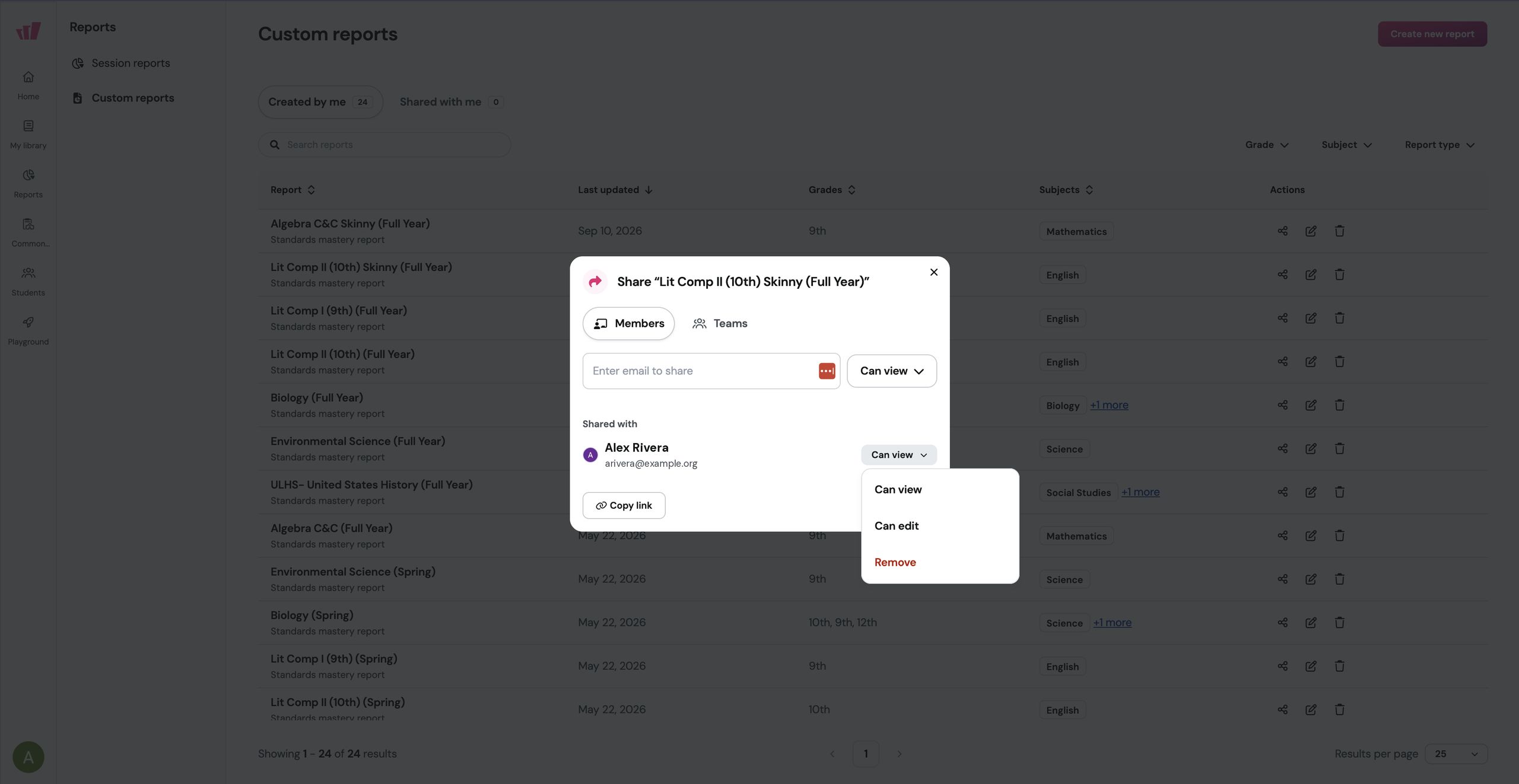
1791462025752
Let your students post to a Discussion Board and comment on each other's answers
by the Wayground Team
A whole-class discussion runs with one voice at a time. A Discussion Board A whole-class discussion runs with one voicquestion posts every student's response on a shared board where classmates read, like, and comment on one another's ideas.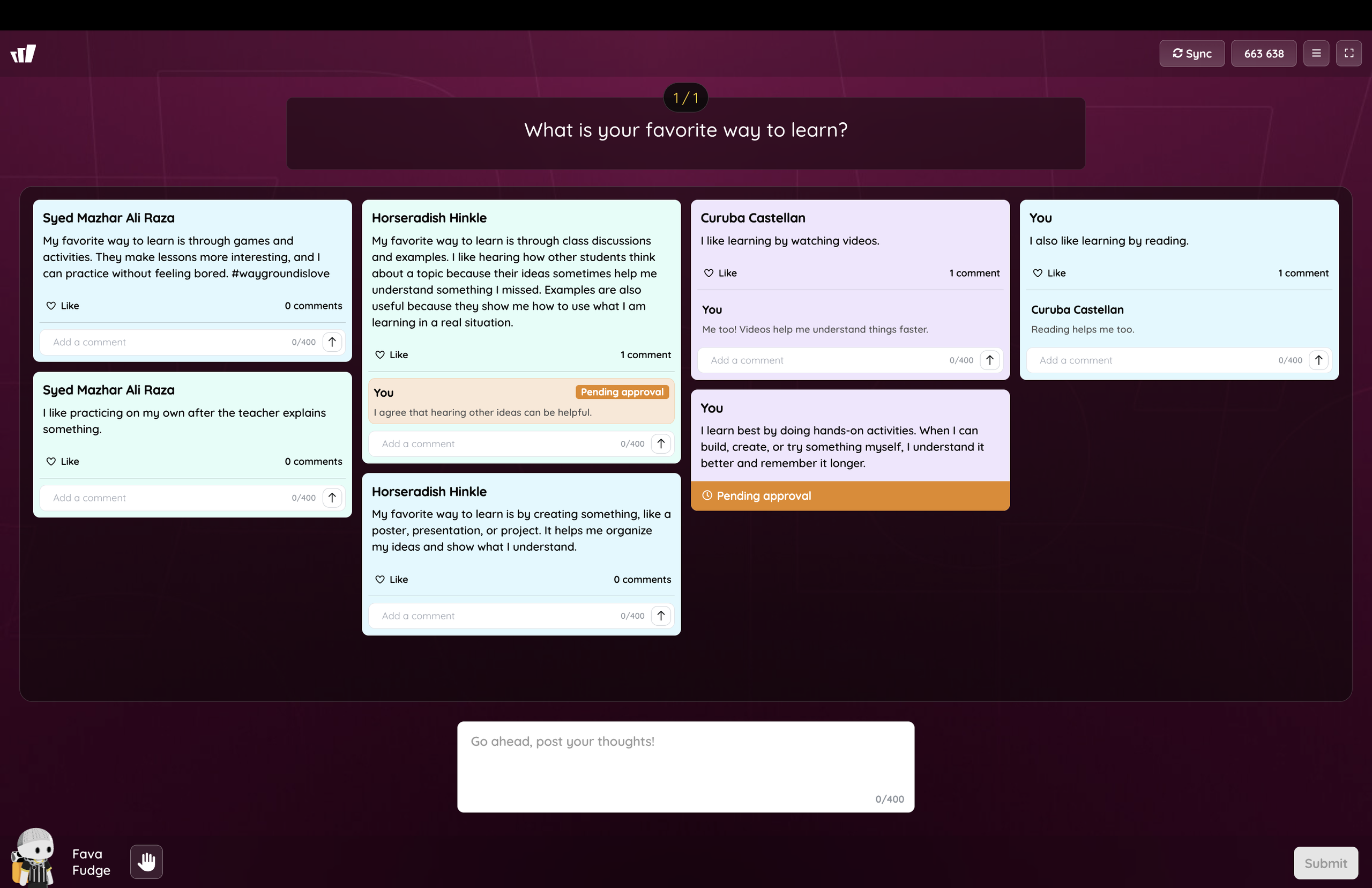
1788773092731
Choose the Microsoft Teams grading category each assignment counts toward
by the Wayground Team
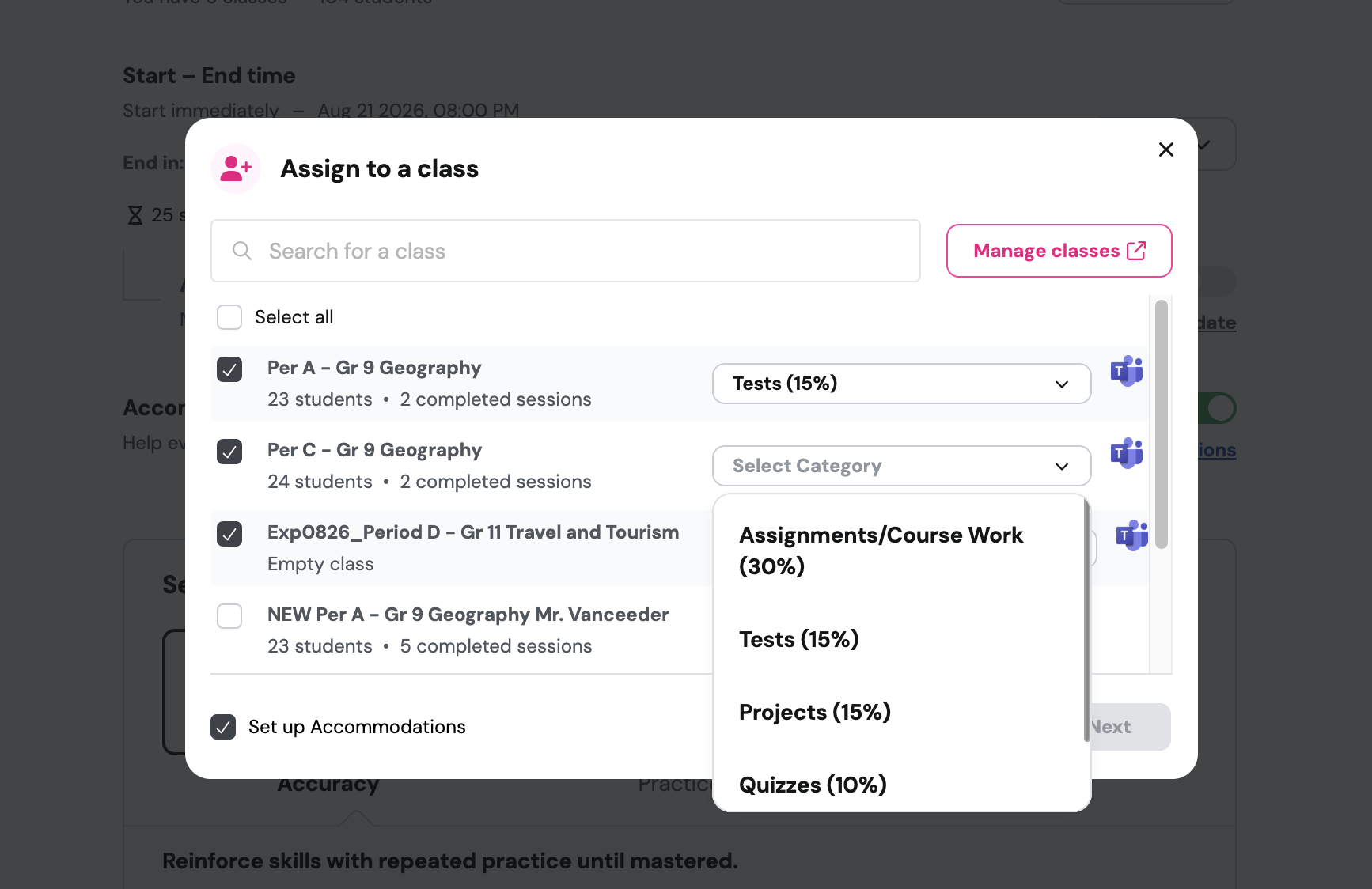
Your Teams gradebook might weight tests at 15% and coursework at 30%. Now you choose the category for each Teams class before you assign it, and the grade syncs there.