



Your students can add shapes, arrows, and typed labels to a Draw answer
1792762297169
What it does
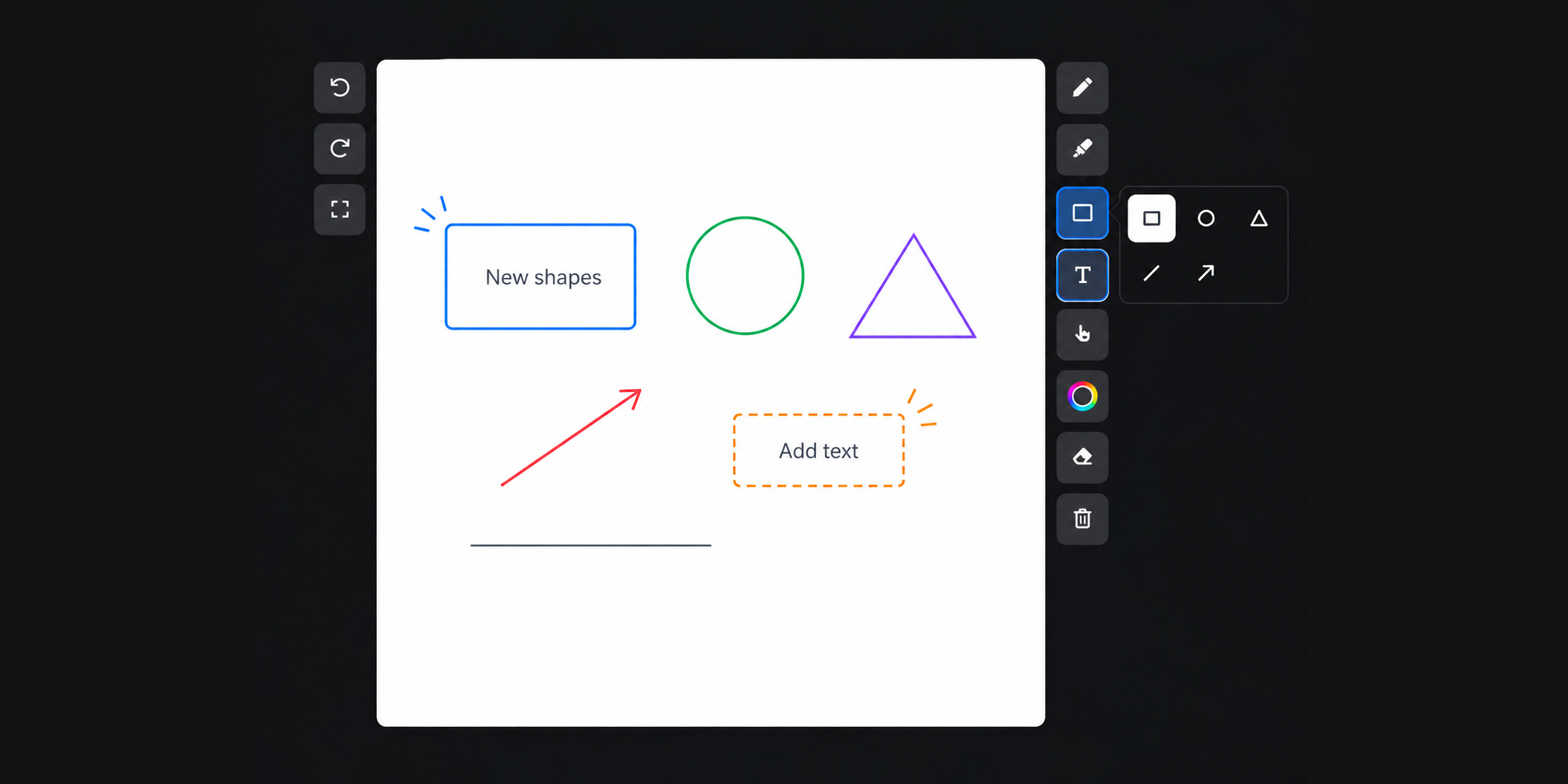
Students answering a Draw question get three more tools next to the pen and highlighter. They can drag out a shape or an arrow, type a label anywhere on the canvas, and select anything they’ve placed, then move, resize, recolor, or delete it.
How it works
No additional setup is required. Just add a Draw question the way you do now, and your students see three tools in the toolbar:
Shapes: pick a rectangle, circle, triangle, line, or arrow, then drag to draw it
Text: tap anywhere on the canvas and type
Select: move, resize, recolor, or delete any shape or text box
Example in action
Your 7th grade science class is labeling a plant cell. One student draws the outline, drops a circle on the nucleus, and types the name beside it. She moves the label when it sits over her drawing. You open her answer and read every part of the diagram.
What did you think about this update?


Leave your name and email so that we can reply to you (both fields are optional):
