



You can now import from Google forms
1793097533150
New
What it does
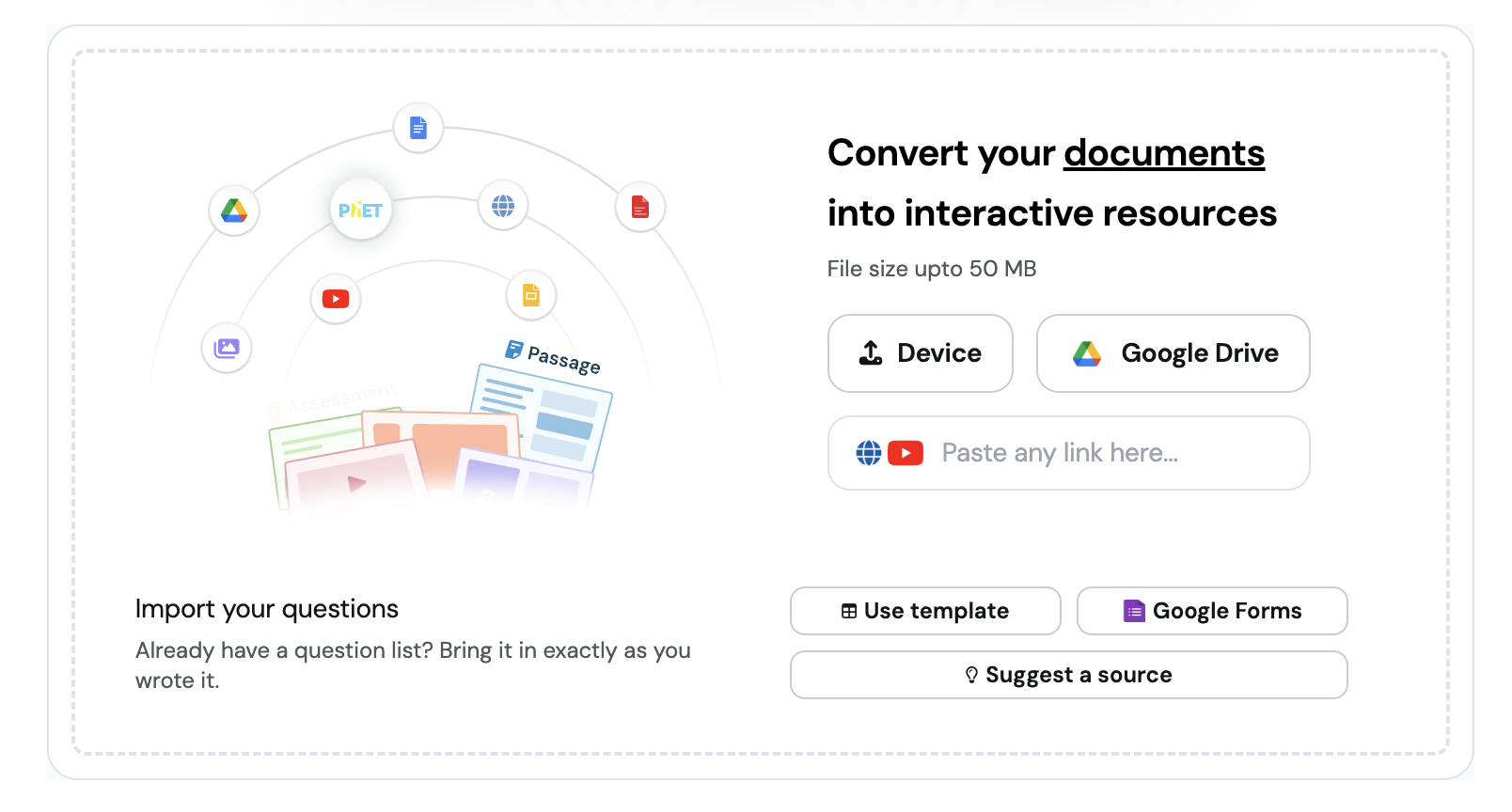
If your quizzes already live in Google Forms, you can import them directly. Pick Google Forms on the upload tab, choose a form from your Drive, and you’ll land in the editor with your questions already in place.
How it works
Open the upload tab in Explore
Under Import your questions, choose Google Forms
Sign in to your Google account
Pick the form you want, and the assessment opens in the editor
Example in action
Your 7th grade life science unit test is a 25-question Google Form you reuse every spring. You import it, and it opens as an assessment you can host live or assign. You spend your prep on the two questions that always trip up the class.
What did you think about this update?


{error_message}
Leave your name and email so that we can reply to you (both fields are optional):
Thanks for your feedback!

Published by the Wayground Team