



Ask every step of a problem in a single Multi-part question
1791465148761
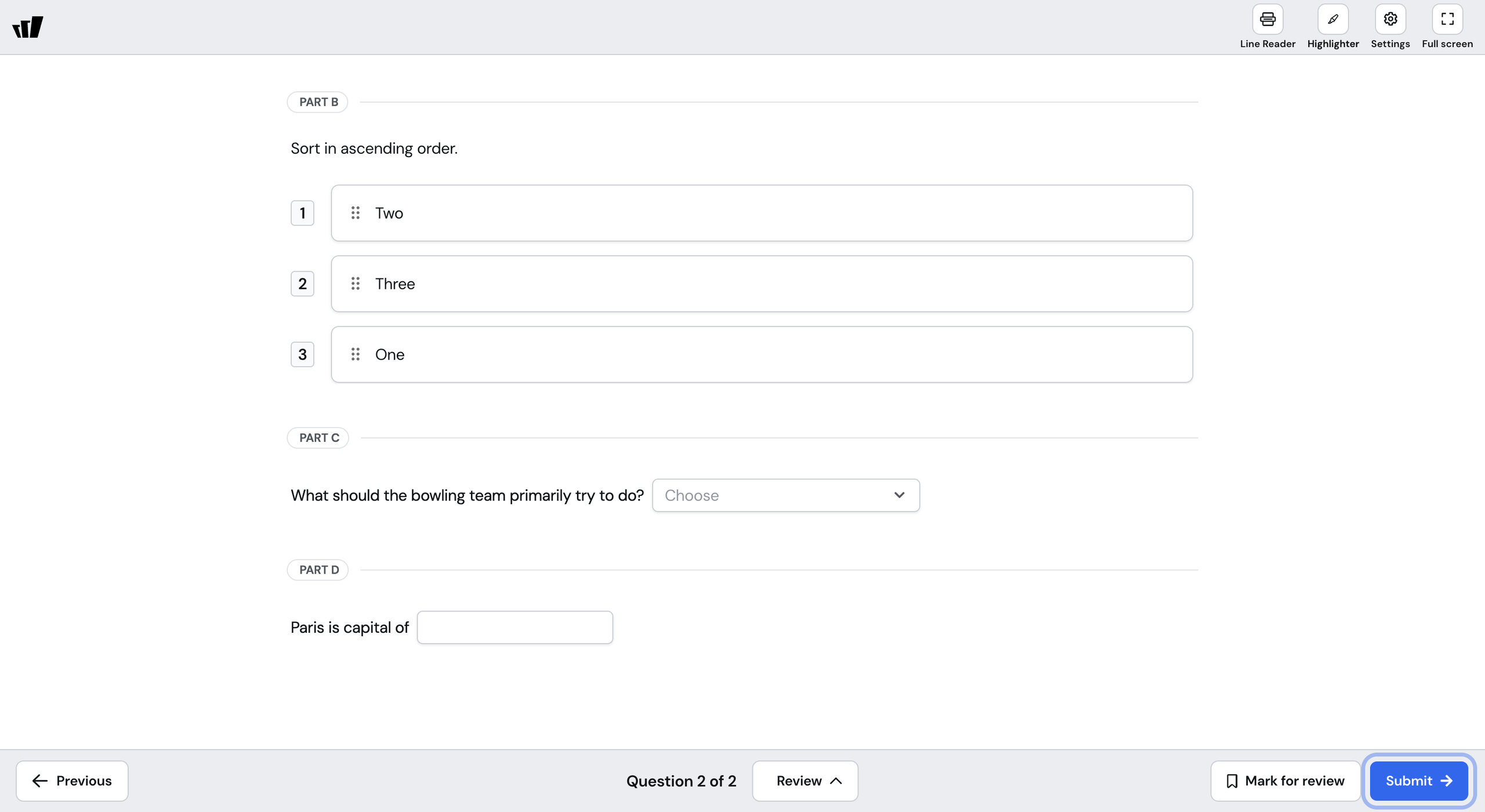
What it does
Multi-part is a new question type that holds up to five parts under one base question. You write the setup once, then choose a question type for each part, so a single question can ask your students to calculate, sort, and explain inside the same context. Each part carries its own points and its own settings.
One dropdown at the top of Question settings controls how the parts are scored, and the default grades each part separately. Your students see every part on one screen and submit once. It counts as a single question in the set, whether you run it live, assign it as an assessment, or build it into a common assessment.
How it works
Open the question types list and pick Multi-part under Other
Write the base question that every part shares
Choose a question type for Part A and build the part
Use + Add part for each part after that, up to five
Set the points for each part and choose how the parts are scored in Question settings
Example in action
Your 7th grade science class is working through a unit on density. You build one Multi-part question that gives them a block's mass and volume. The parts ask them to calculate the density, match it to a material, and name the measurement they'd check again. A student who calculates correctly and then picks the wrong material still earns the points for the part they got right.
What did you think about this update?


Leave your name and email so that we can reply to you (both fields are optional):
