



Your students can now make their own flashcards
1779358701164
What it does
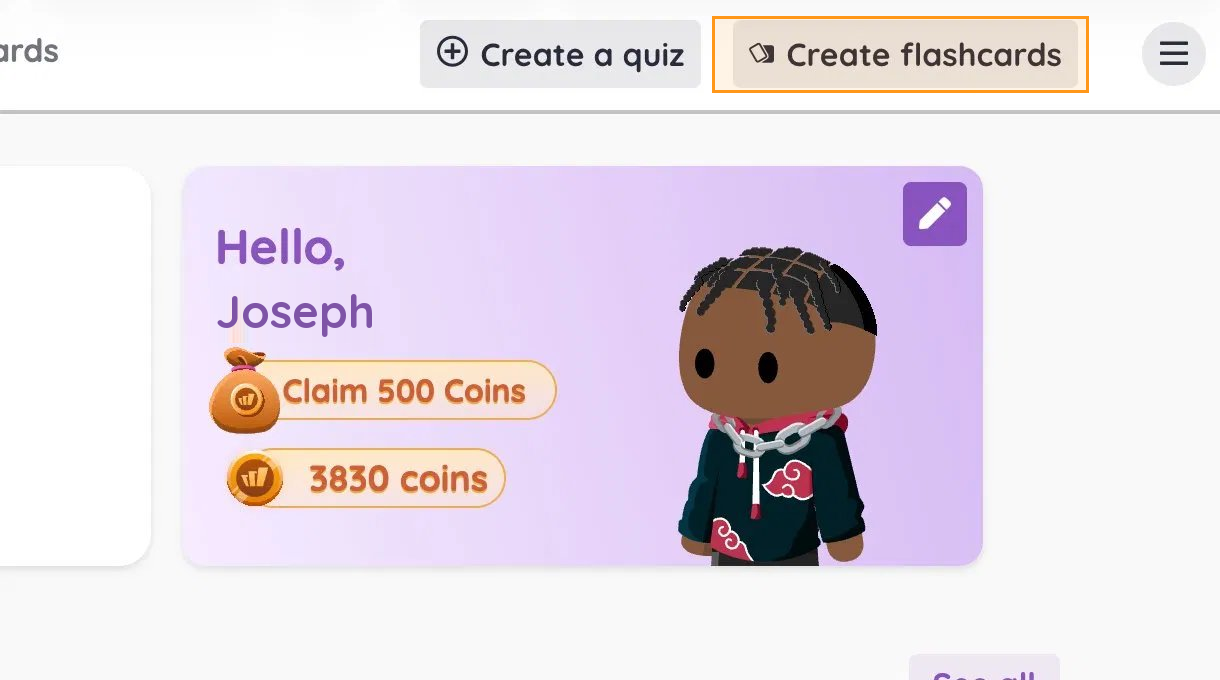
A Create Flashcards option now lives on the student dashboard. Your students can build a flashcard set from scratch, or upload a resource and turn it into a study deck on their own.
The pedagogy here isn't new — retrieval practice, spaced repetition, self-testing. What's new is that the work of making the deck now sits with your students, which is where most of the learning happens anyway.
How it works
Nothing changes on your end. Your students will see the option when they log in:
From the student dashboard, your students tap Create Flashcards
They can build a deck from scratch by adding terms and definitions
Or upload an existing resource — notes, a study guide, a PDF — and have it converted into a deck
The deck saves to their account for study and review
Note: Admins can turn off all 'Student creation' flows on the product (including Flashcards).
Example in action
Your 8th grade science class is two weeks out from a unit test on cell biology. Instead of you building a Quizlet-style review deck for them, you ask your students to each create a flashcard set covering the unit vocabulary. The act of writing the definitions in their own words is the studying. They show up to your review session with decks they actually understand — and you didn't spend Sunday night building the deck for them.
What did you think about this update?


Leave your name and email so that we can reply to you (both fields are optional):
