



A reason for students to finish what you assigned
1779357280926
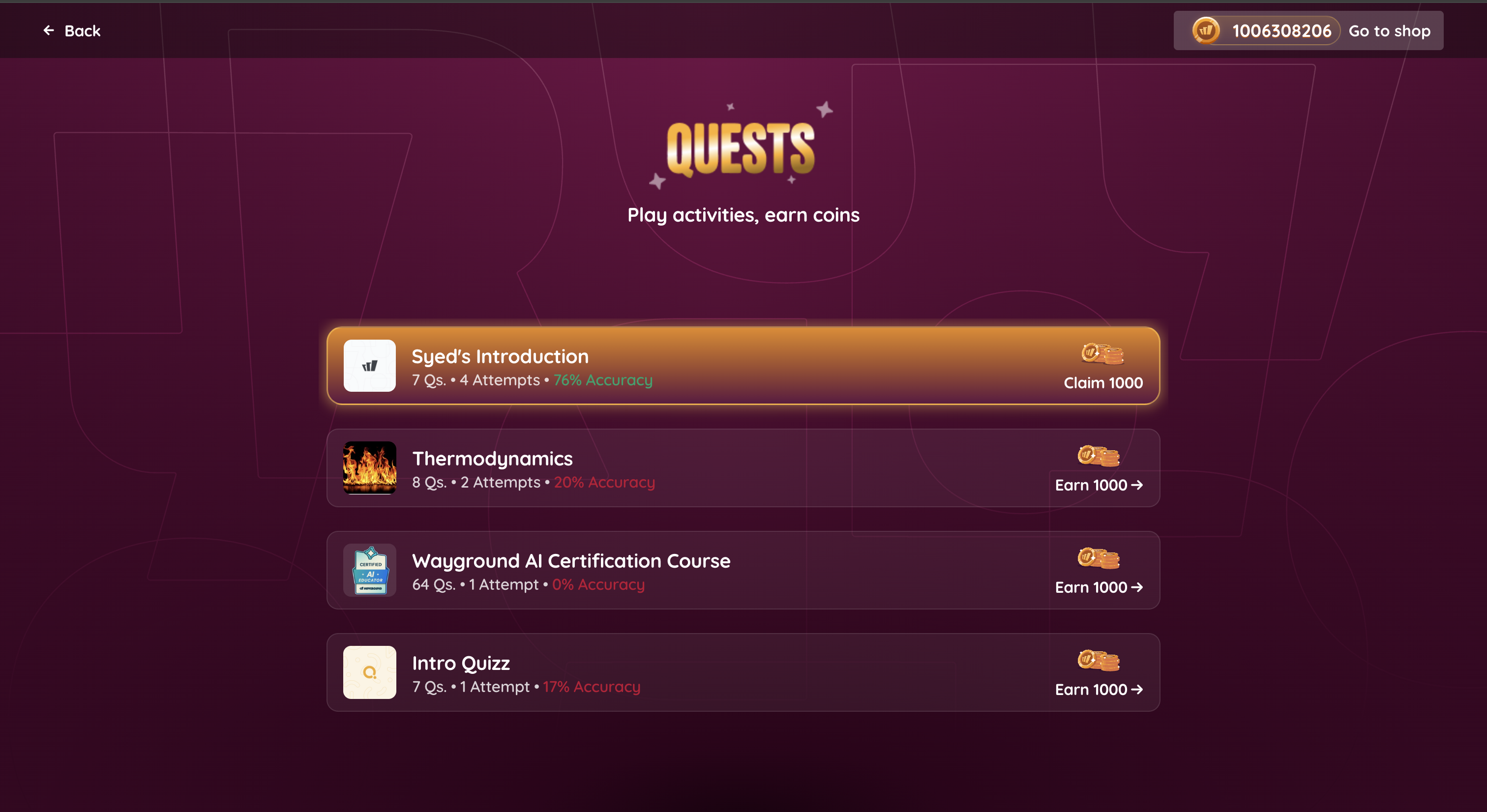
What it does
Quests is a new student-facing layer that turns the resources you assign into coin-earning opportunities. Your students see a dedicated page listing everything you've assigned them. When they finish a Quest, the card lights up with a gold shimmer to signal their coins are ready. A tap triggers a confetti burst and drops the reward straight into their balance, which they can spend in the Avatar Shop.
It's the kind of low-stakes motivation that gets students to attempt that one more question instead of stopping halfway.
How it works
Quests is automatic — there's nothing new for you to set up. Once you assign a resource, your students will see it surface as a Quest across the product:
On the Join page when a live session is running
In the running sessions row on their dashboard
As part of their daily bonus
In the Avatar Shop
On the session summary screen
Your assignment workflow stays exactly the same. Your students get more reasons to come back and finish.
Example in action
You assign a 15-question fractions practice resource to your 6th grade math class on Monday. A few students start it, get to question 8, and drift off. With Quests, those same students see the unfinished resource sitting on their dashboard with coins on the line. They come back, finish the last seven questions, and you get attempt data on every item — not just the first half. Better data for your small-group planning, and no extra reminders from you.
What did you think about this update?


Leave your name and email so that we can reply to you (both fields are optional):
