



Translate video captions for multilingual learners
1755111587781
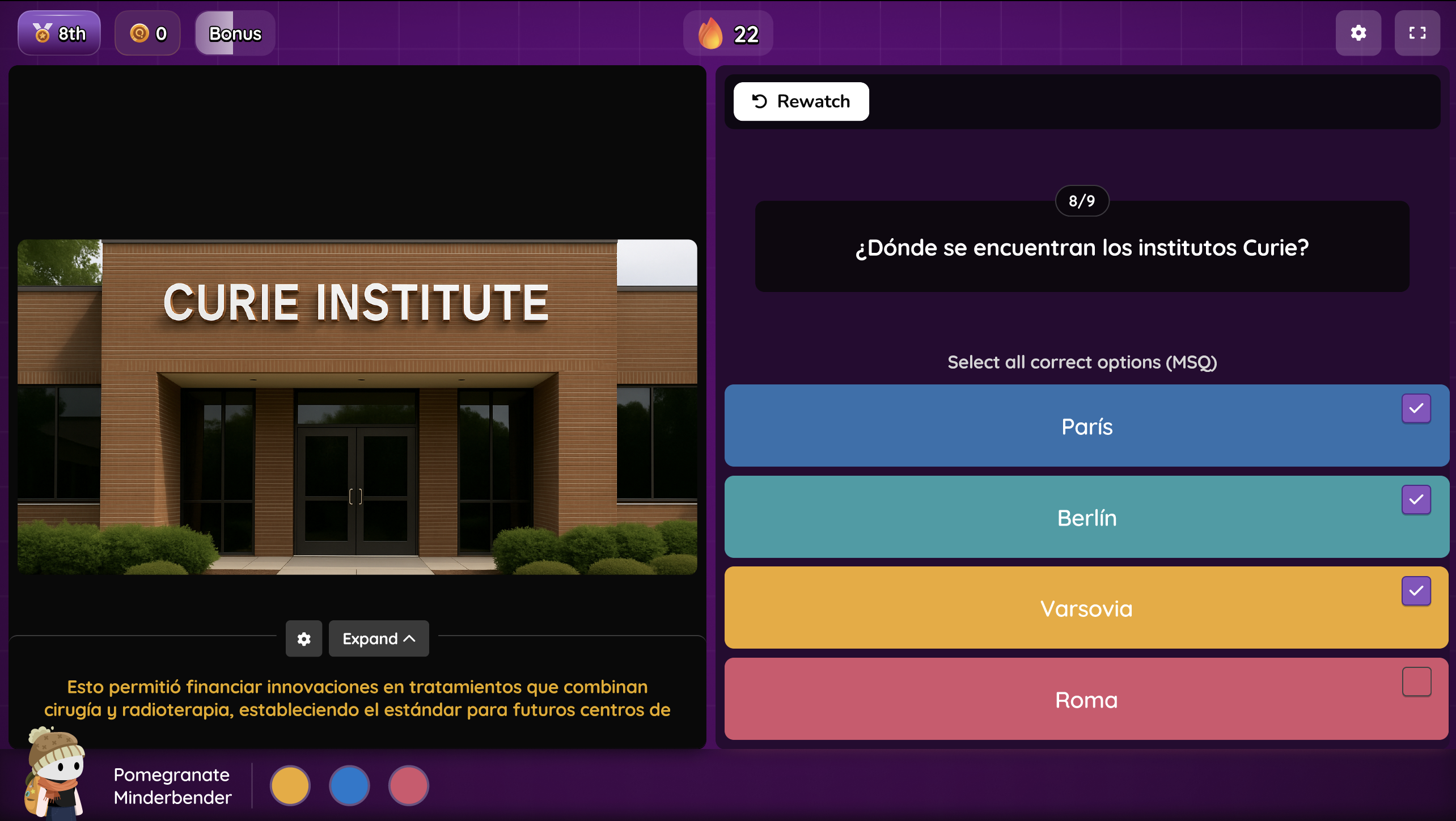
Videos now adapt to every student in your classroom. Captions automatically translate for multilingual learners and adjust to match each student's accommodation settings—from dyslexia fonts to contrast or spacing preferences.
What’s new
Captions match each student’s existing accommodations automatically
Supports translation for multilingual learners.
Supports dyslexia-friendly fonts, adjustable spacing, and light/dark mode.
Works with videos from YouTube and Boclips.
Setting up translated captions
Add the Translate accommodation in a student’s profile.
Launch any YouTube or Boclips video.
Captions appear in their selected language automatically.
Students control font, spacing, and contrast in the video player.
Captions remain in sync even when seeking is disabled or playback speed changes.
A classroom example
A 6th-grade social studies class is watching a Boclips video on ancient civilizations.
One student is multilingual. Another has dyslexia accommodations.
With translated captions enabled:
The first student sees captions in their primary language.
The second sees captions in English with a dyslexia-friendly font.
Both students can follow the same video with accommodations applied automatically.
