



Students Can Now Design Their Own Custom Shoes in the Avatar Shop
1777291923510
What it does
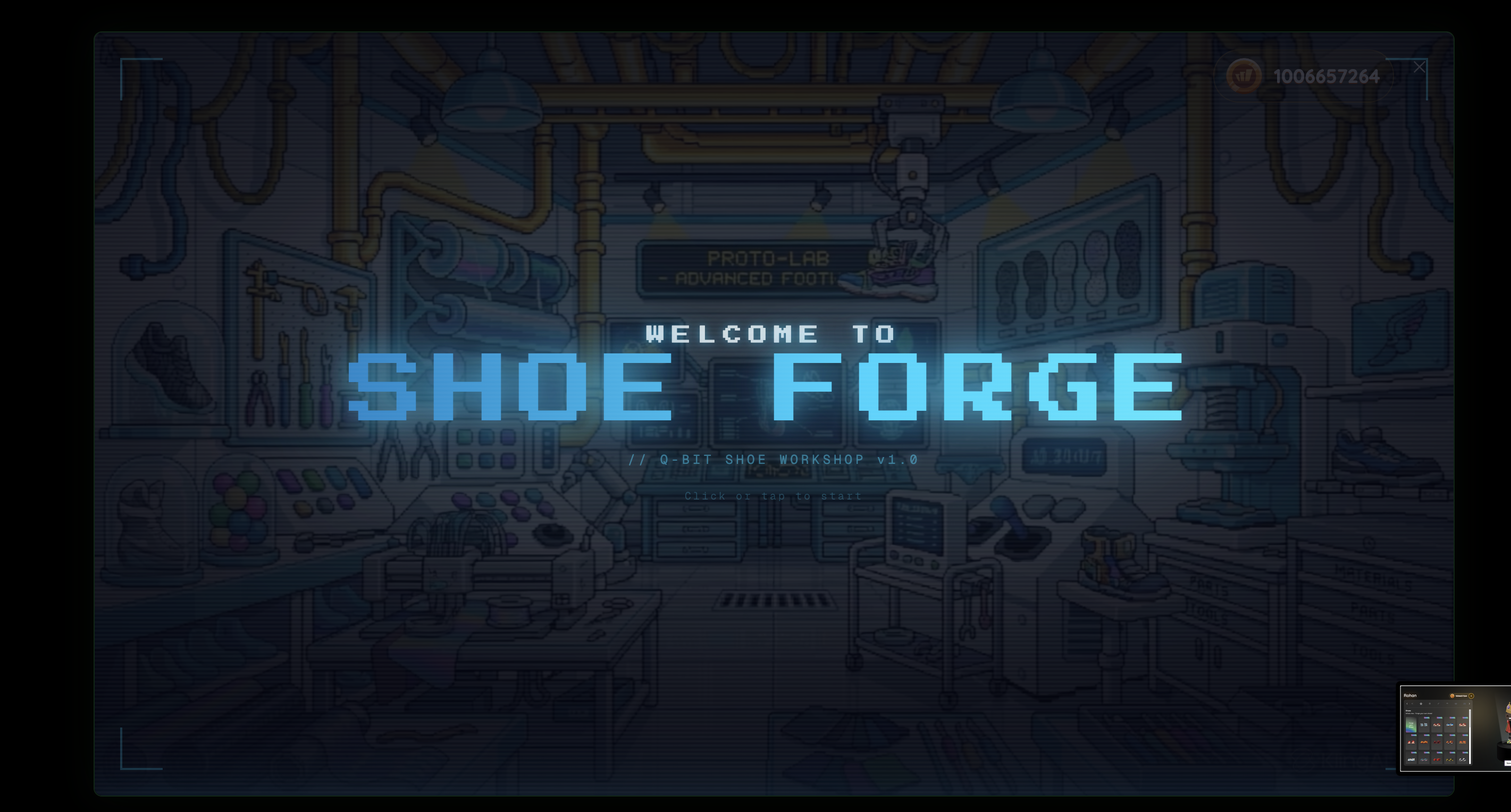
The Shoe Forge is a new customization experience inside the avatar shop's footwear tab. Your students can spend their earned Coins to generate a completely unique pair of shoes using a text prompt. No two pairs are alike — each shoe is created from scratch based on what a student describes. Custom-generated shoes display a special tag in the avatar shop so students can easily spot their originals alongside standard options.
Built-in moderation keeps the experience appropriate: all prompts are checked for profanity before generation begins, and students see a clear notice that prompts are logged and visible to their teacher. Coins are only deducted after a successful generation — if the process fails, students get their Coins back automatically.
How it works
From the avatar shop, your student taps the footwear tab and selects Shoe Forge.
A full-screen introduction appears, explaining the experience.
The student chooses one of five shoe styles: Boots, Mids, High Collar, Mid Collar, or Sandals.
The student types a description of their ideal shoe in the text box.
After confirming the Coin spend, a 10-second cinematic sequence plays — then their one-of-a-kind shoe is revealed.
Example in action
Imagine wrapping up a long unit in your 7th grade class. A student who has been steadily collecting Coins decides to spend them in the Shoe Forge. They choose Mids and type in a description inspired by the ecosystems you studied. Seconds later, their custom shoe appears with a special tag in their avatar shop — something no other student in your class has. That sense of ownership? It keeps them coming back.
What did you think about this update?


Leave your name and email so that we can reply to you (both fields are optional):
