



Reuse your Wayground assignments in Canvas without rebuilding
1765187374811
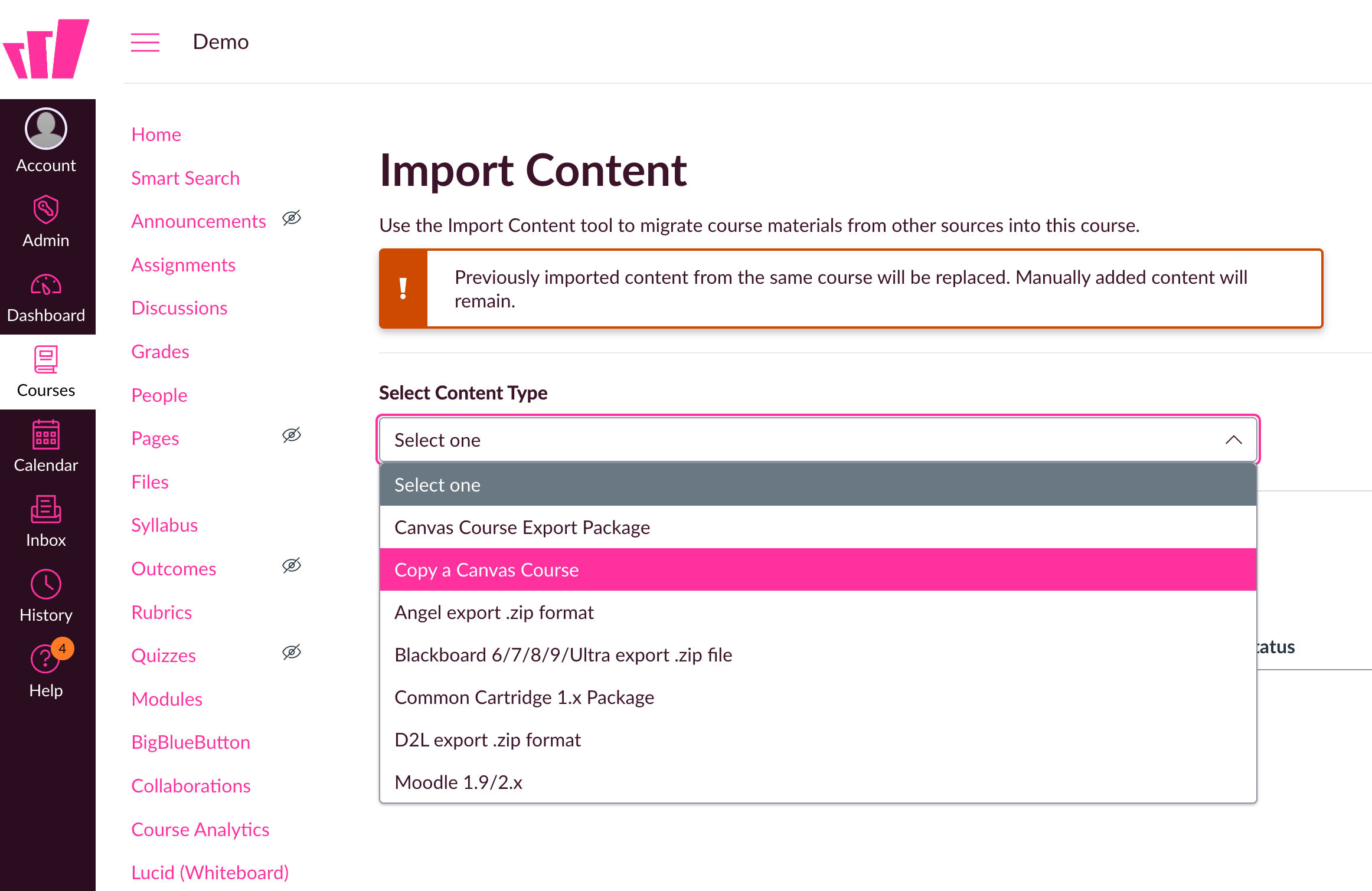
What it does
If you use Wayground with Canvas, you no longer need to manually rebuild your LTI assignments for each new course. You can now:
Copy an individual Wayground LTI assignment from one course to another
Import all LTI assignments from a past course in one step
This streamlines setup, especially when transitioning between semesters or sections.
How it works
Go to your Canvas course where you want to use existing Wayground assignments
Use the import or copy option to bring in assignments from another course
Choose the specific assignments you want - or bring them all
Done - no rebuilds, no extra steps
Admins can follow this guide to enable the feature if you're already integrated. New integrations already have it set up.
Teachers can read more in this guide.
Example in action
You're teaching 6th grade science and used Wayground LTI assignments in your fall course. This spring, you’re starting a new section - and instead of rebuilding from scratch, you import all your fall assignments into the new Canvas course in seconds. Pre-labs, simulations, and self-checks are all ready to go.
