



Create Interactive Videos from your own videos up to 1 GB
1786612605964
What it does
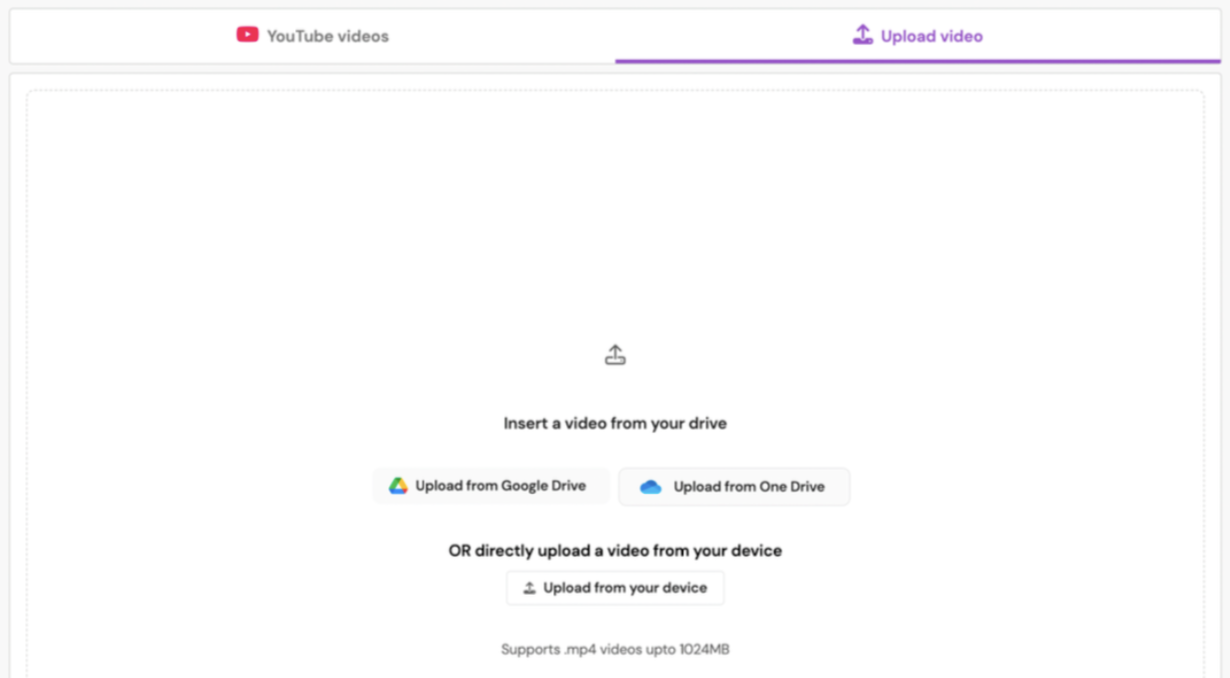
You can now upload MP4 files up to 1 GB to create an Interactive Video. Upload from your device, Google Drive, or OneDrive.
You can also create Interactive Videos from a JSON file. A JSON file carries information like YouTube links and embedded questions, so the Interactive Videos come out already built, with the questions on the video instead of being added one at a time.
How it works
Choose Upload video when you create a new Interactive Video
Pick from Google Drive, OneDrive, or from your device
Select your .mp4 file, up to 1 GB or an hour long
Example in action
Your 7th grade science class is starting a unit on cell division. You already have a 45-minute microscope demo, and the file runs close to 800 MB. You can create an Interactive Video from it so your students can watch your demo and also answer the questions.
What did you think about this update?


Leave your name and email so that we can reply to you (both fields are optional):
