



Create CTE standards-aligned assessments
1773928761750
What it does
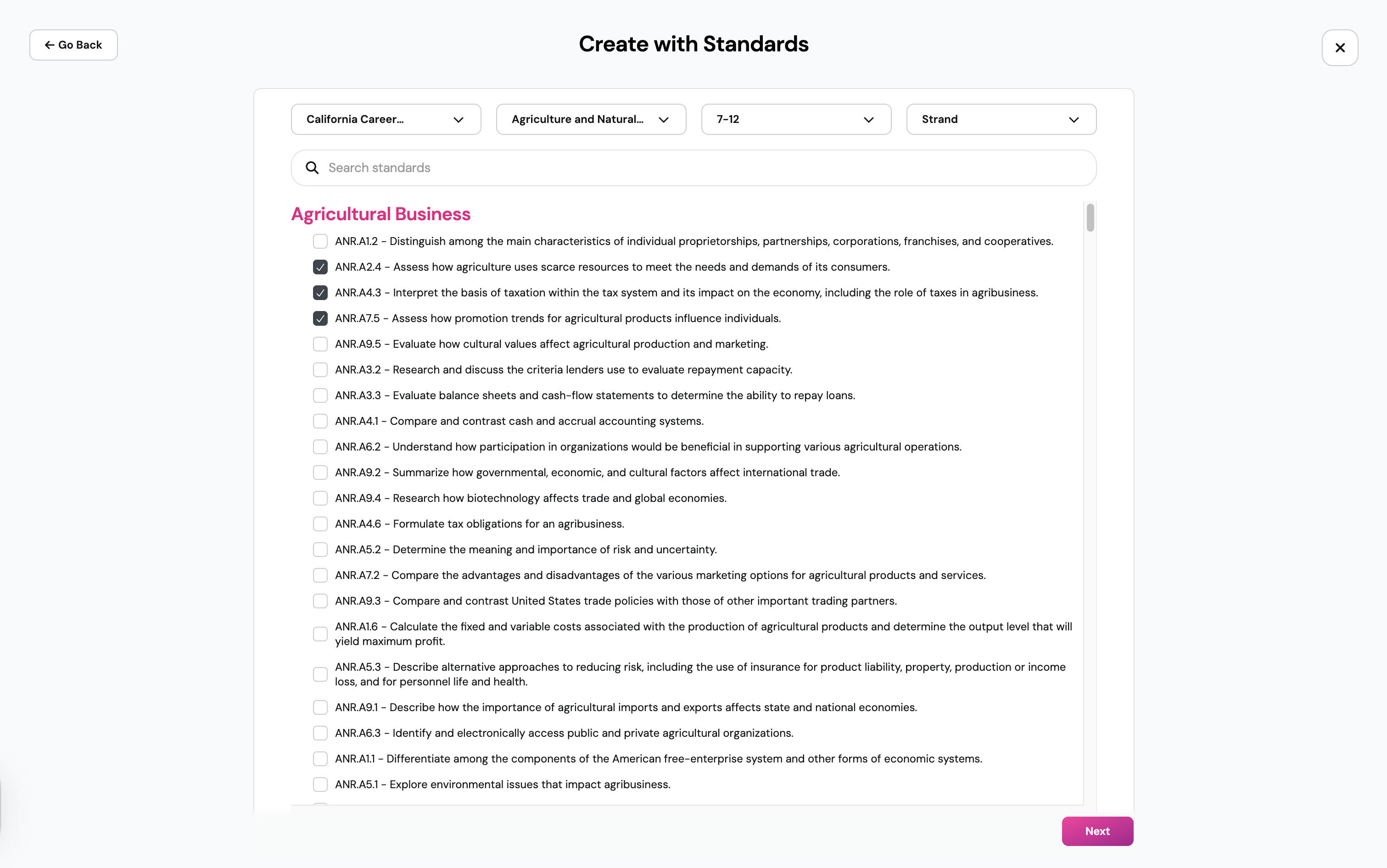
You can now create standards-aligned assessments for Career & Technical Education (CTE) pathways. CTE standards for all pathways are available across TX, CA, VA, NC, and OH.
You can also tag assessments you've already built with the right CTE standards, so you can track student performance by standard over time and show outcomes for your program without rebuilding anything.
How it works
Generate an assessment from CTE standards
Go to Create > Assessment > Create from Standards
Select your state CTE framework, subject, grade, and strand
Browse the standards under your pathway and check the ones you want to assess
Customize and create a fully tagged assessment, with each question mapped to the relevant standard
To tag an assessment you already have:
Open the assessment
Add the relevant CTE standards as tags
Use the tags to track performance by standard
Example in action
In a 7th-grade intro to health science pathway, you're wrapping up a unit on infection control. You open Create from Standards, select the strand for safety and procedures, and pick the specific standards you taught. In minutes, you have a tagged assessment ready to assign, and when students finish, their results map straight back to the standards your program reports on.
