



Build state-test-style ELA questions faster with Hot Text
1772716944535
What it does
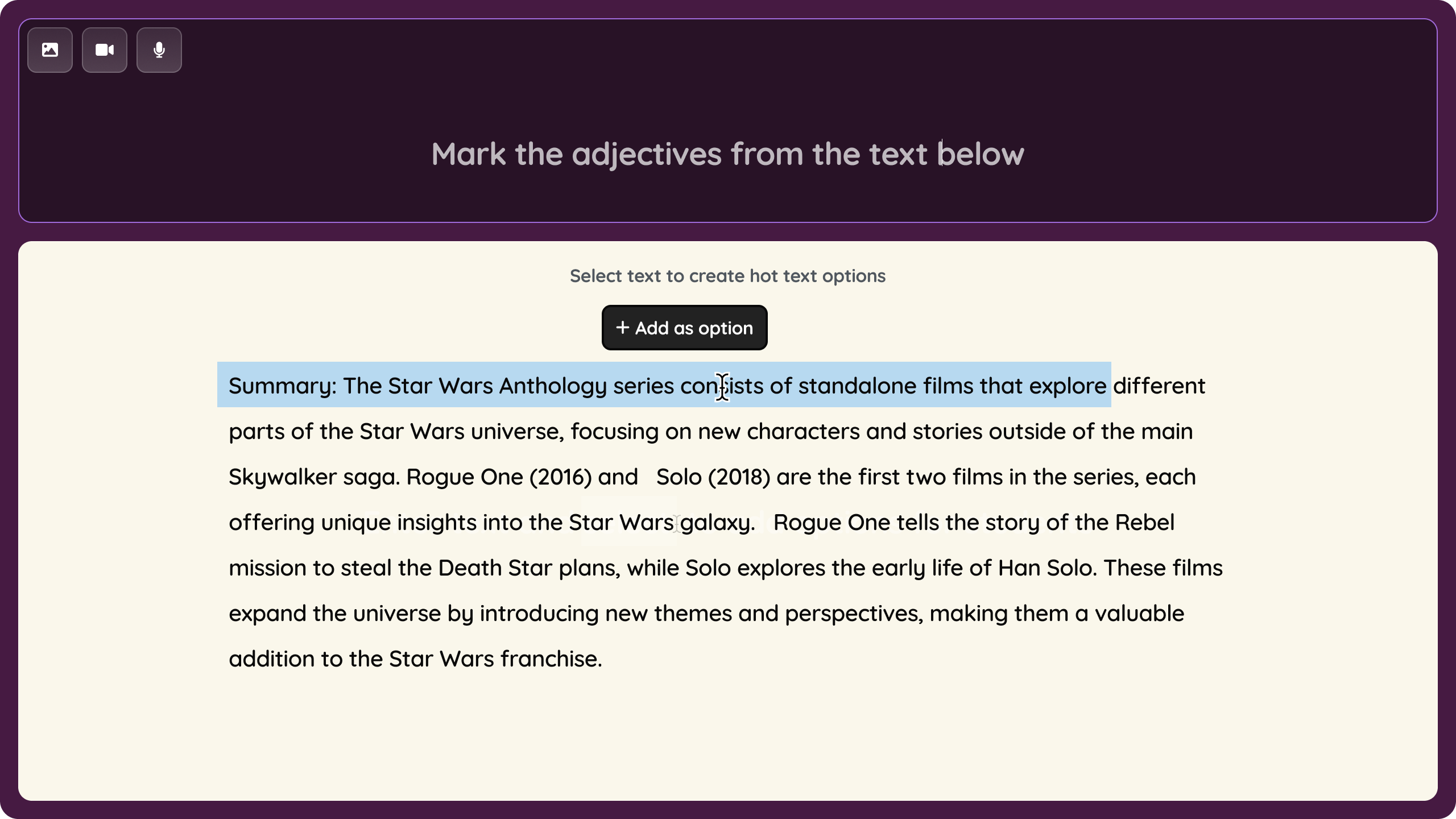
Hot Text (ELA) is a new question type where students answer by clicking on words, phrases, or sentences directly within a passage — the same interaction they see on ELA state tests. Teachers can create these questions from scratch, selecting any part of the text as a selectable option and marking the correct answers. It also supports partial grading for students who get it partially right.
How it works
Select Create, then Assessment, and choose Start from Scratch
Find Hot Text under the Interactive and Higher Order category
Paste or write your passage
Highlight words, phrases, or sentences in the text and click "Add as an option" to make them selectable
Mark the correct options, save, and publish or assign your resource
Example in action
A 7th grade ELA teacher is checking comprehension after a reading.
She pastes a short passage, selects a few words and phrases as options, and marks the ones that best describe the character's emotions.
Students read the passage and click directly on their answer. The whole question takes minutes to build — and feels exactly like what students will see on the state test.
