



An assessment experience aligned to your state test
1779357810306
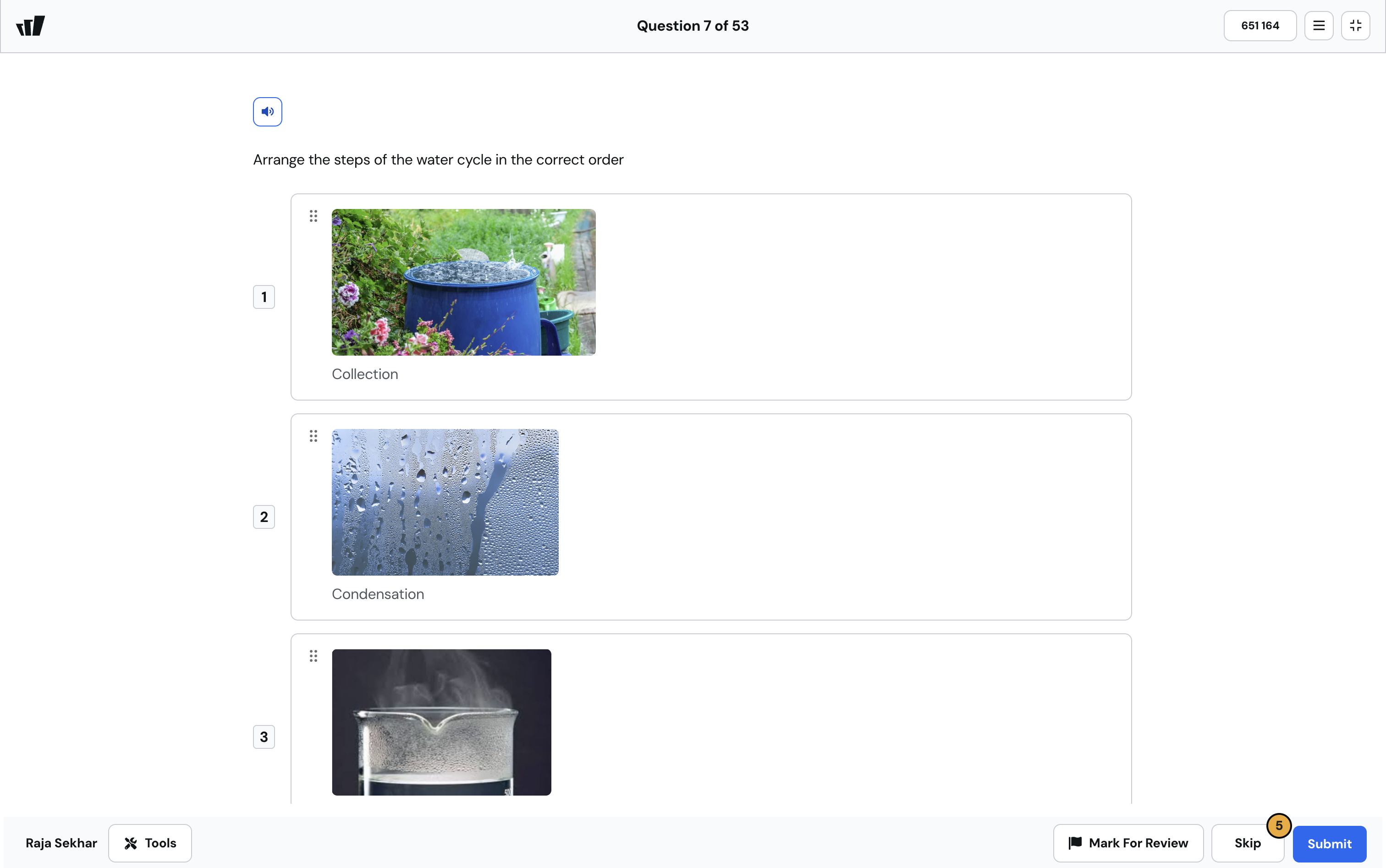
What it does
Test mode has been rebuilt to mirror the look and feel of state assessments your students will actually sit for. Every question type has been redesigned to match its state test counterpart, so the experience your students see during practice is the experience they'll see on test day.
Test mode now includes two universal tools: line reader and answer elimination. Both are standard accommodations on most state tests, and now they're available in your day-to-day practice sessions too. A dark mode setting is built in as well, giving your students a lower-glare option during longer assessment sessions.
How it works
There's nothing to configure on your end. The new test mode is the default experience going forward:
Assign any resource using test mode as you normally would
Your students see the redesigned, state test-aligned interface automatically
Line reader and answer elimination are available to students as on-screen tools during the session
Students can toggle dark mode from within the test mode interface
If your state has a specific testing platform in mind, the visual alignment is designed to reduce the cognitive switch your students make between practice and the real thing.
Example in action
You're prepping your 7th grade ELA class for the spring state assessment. All year, your students have practiced on resources that technically covered the standards but looked different from the real test. With the redesigned test mode, the multiple choice layout, the passage panel, the answer elimination tool — they all look like what your students will see on testing day. By the time the real assessment comes around, the interface is one less thing they have to think about.
What did you think about this update?


Leave your name and email so that we can reply to you (both fields are optional):
