



Add Custom Alt Text to Images Across All Question Types
1777291615368
What it does
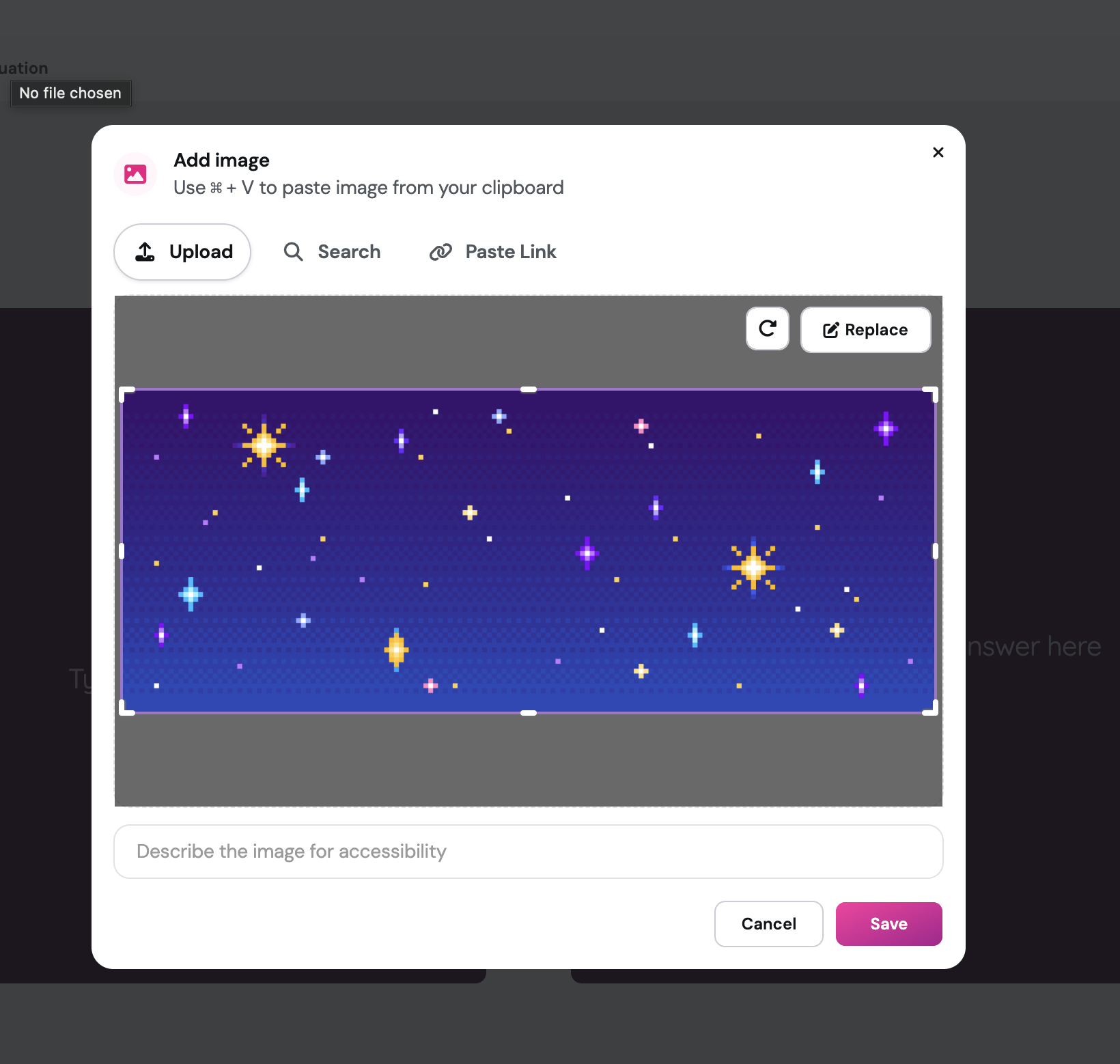
Custom alt text support is now available for images across all question types. Instead of relying on auto-generated descriptions, you can write your own image descriptions that match the exact context of your lesson. These descriptions appear on the student side during a session, making your resources more accessible for students using screen readers or who need additional context to understand an image.
How it works
Open a resource you are creating or editing in Wayground.
Add or select an image within any supported question type.
Locate the alt text field associated with the image.
Type in your custom description that fits the context of that question.
Save your changes. Your alt text will now appear across the student-facing session view.
Example in action
Imagine you are running a science session for your 7th graders and one question includes a diagram of the water cycle. Instead of a generic auto-generated label, you can write: "A labeled diagram showing evaporation, condensation, and precipitation in a circular flow." Students using assistive technology get the same context as everyone else, and you stay in control of how your content is understood.
What did you think about this update?


Leave your name and email so that we can reply to you (both fields are optional):
